
Billing and Invoicing
Ember turns job data, proposals, labor, and parts into accurate invoices automatically, so your office spends less time on billing.
Get a Free Demo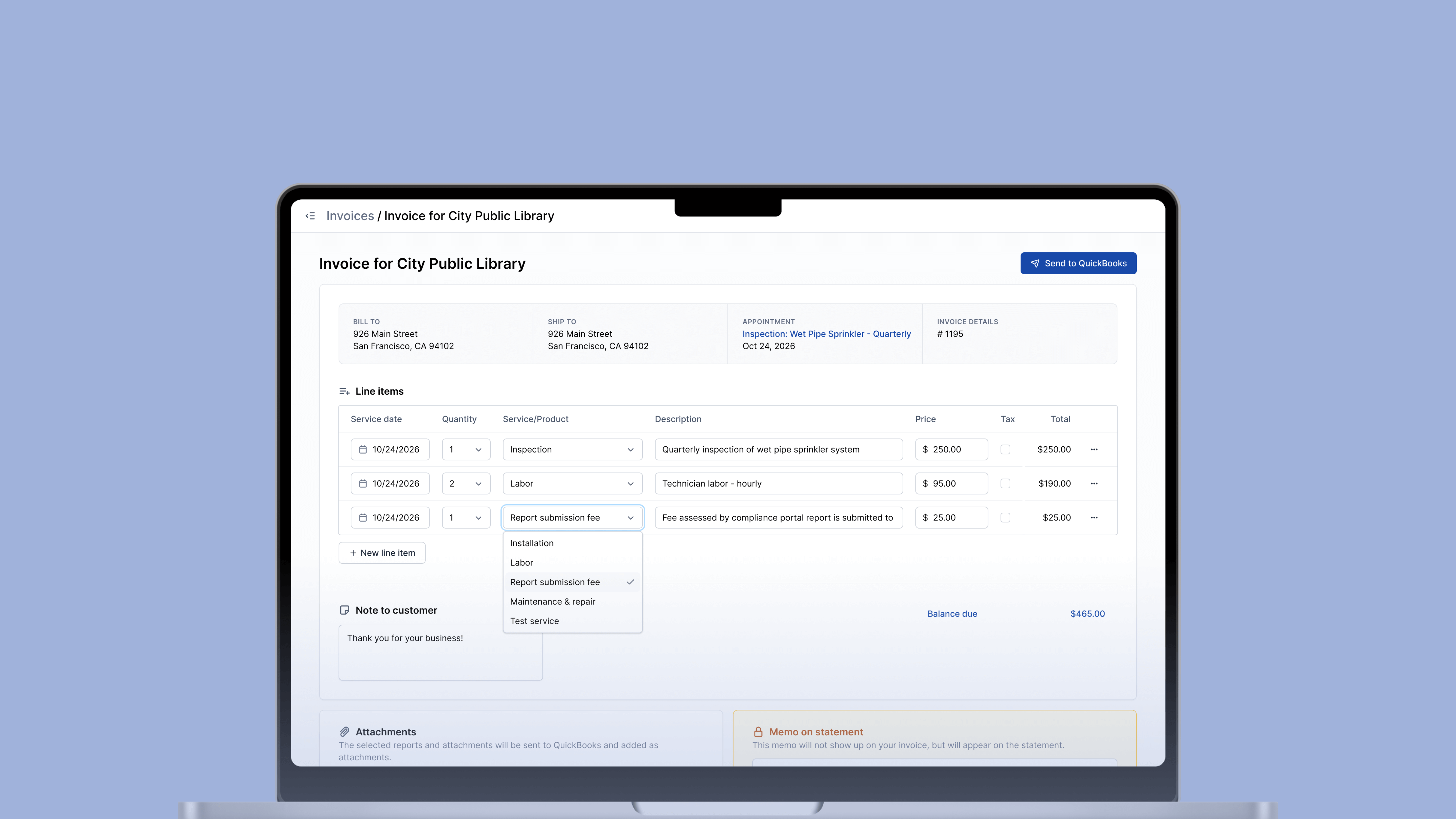
Automatically Generate Invoices
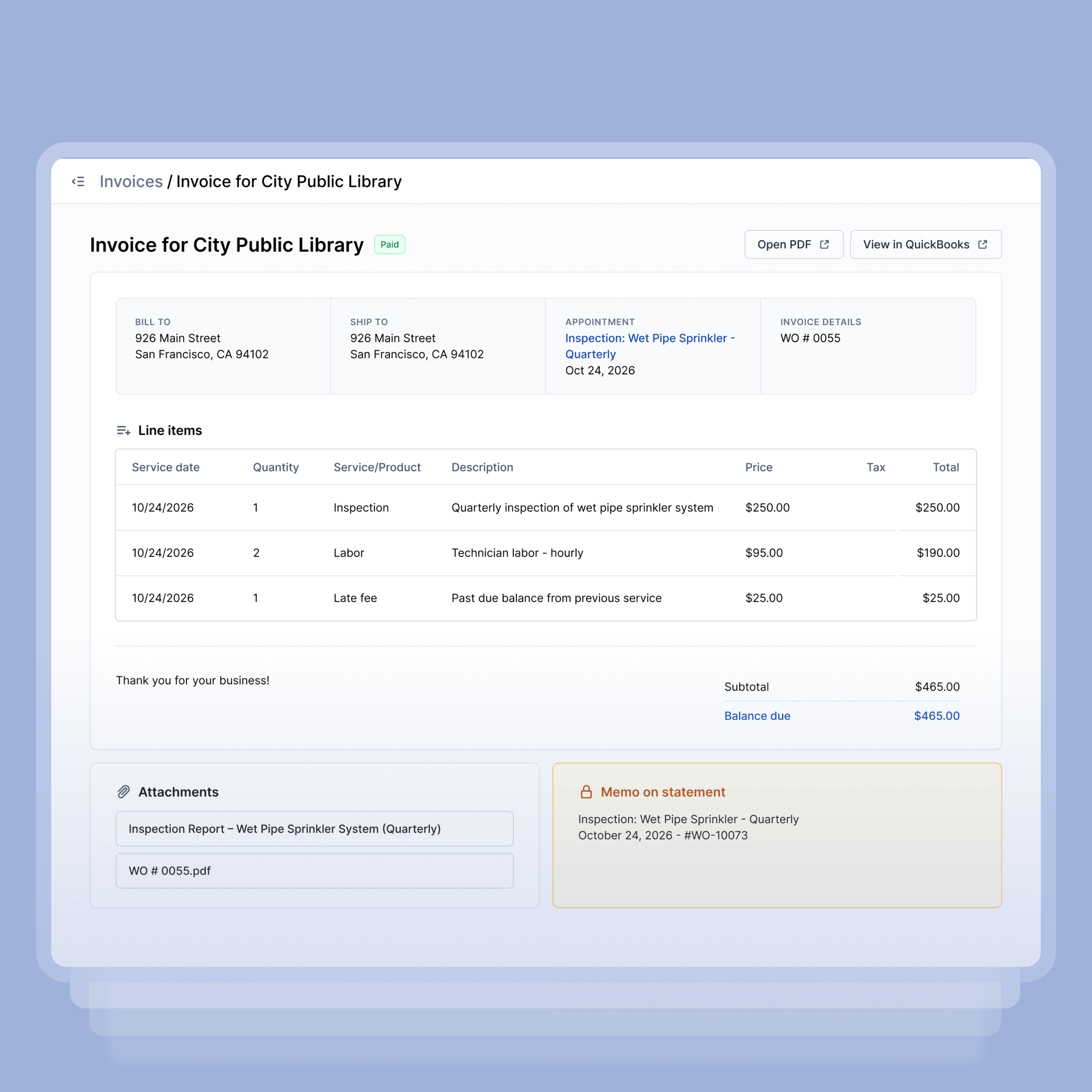
When a technician closes a job in Ember, the invoice builds itself. Labor hours, parts used, and any proposal items the customer approved all pull in automatically from the work order. Your office team doesn't reconstruct anything from field notes or chase down technicians to confirm what was done.
- Jobs and completed proposals automatically populate invoice line items
- Technician time, parts, and service codes are recorded at the job, so your office never has to piece them together after the fact
- Every invoice connects back to a specific job, so completed work doesn't slip through without getting billed
- Offices can review and send an invoice in a few minutes, not hours

Easily Track Every Invoice
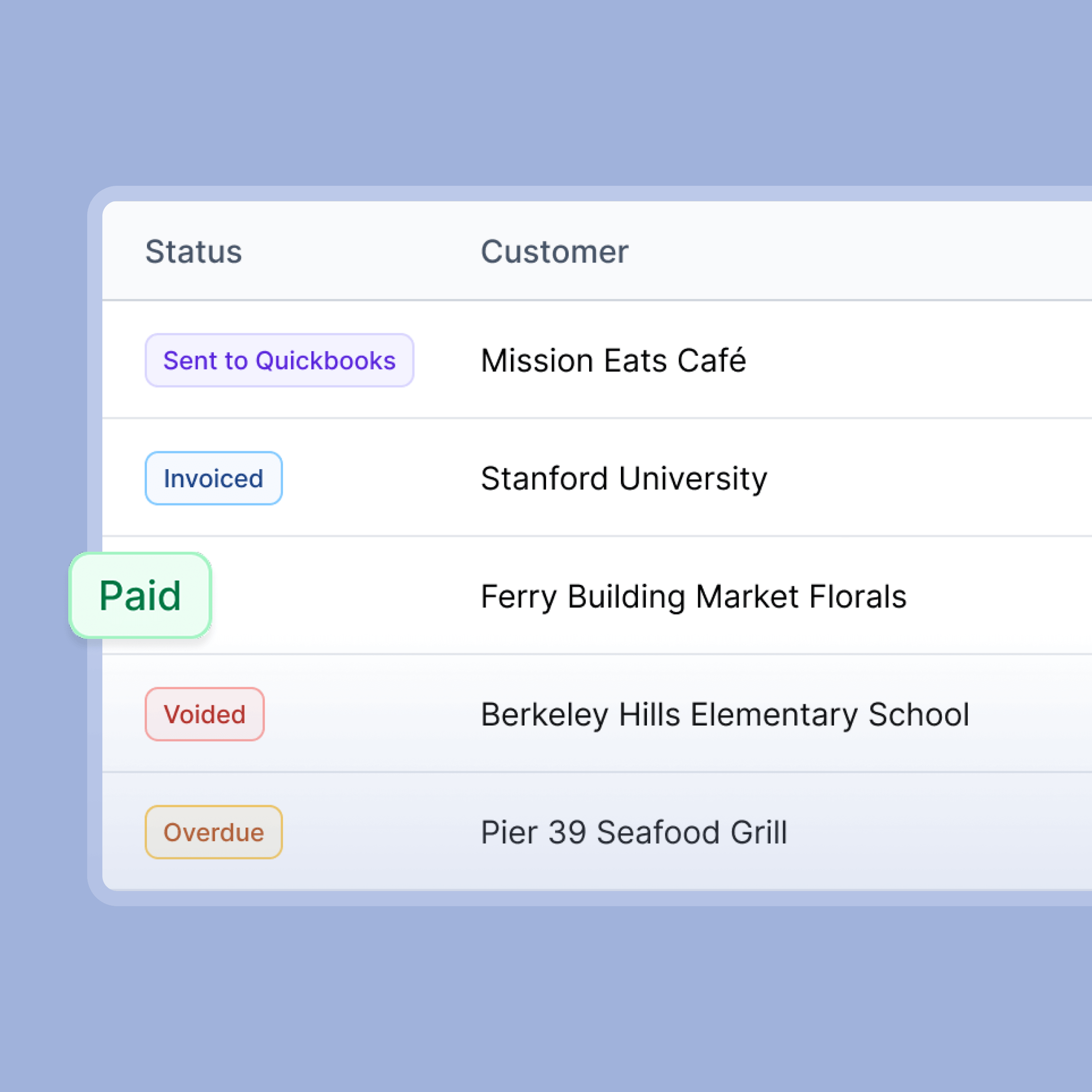
Knowing what you've sent, what's been paid, and what's overdue shouldn't require digging through a spreadsheet or asking someone to check their email. Ember gives your whole office a live view of every invoice across every customer, so outstanding balances are visible before they become a problem, and nobody is working from outdated information.
- Filter invoices by status — sent, paid, past due, or still in draft
- See outstanding balances organized by customer or by month
- Identify overdue invoices early, so your team can follow up before they age further
- Everyone on your office team sees the same dashboard, so no one is chasing down information or working from a different picture
Sync with Your Accounting System
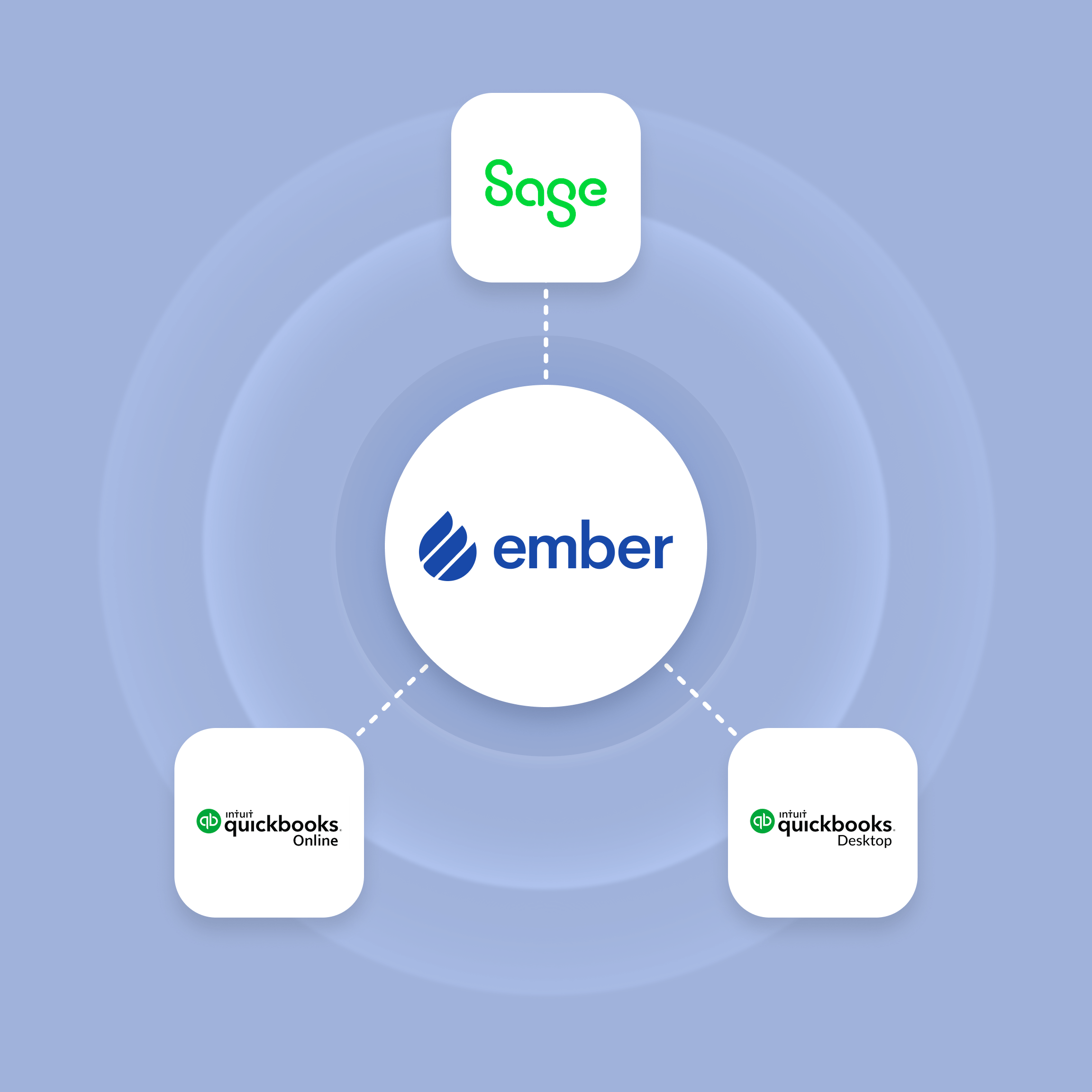
When an invoice is created in Ember or a payment comes in, that information moves to QuickBooks automatically. Customer records stay consistent across both systems, so you're not manually reconciling or cleaning up duplicate profiles at the end of the month. Your accountant or bookkeeper sees current data without needing extra info from your team.
- Invoices sync to QuickBooks automatically when created and when payments are received
- Customer records stay consistent across both systems with no duplicate profiles to manage
- Ember works with both QuickBooks Online and QuickBooks Desktop
- Your accounting team always has current data without relying on your office to manually export or update information
Built for fire contractors. Not generic invoicing.



Everything Your Office Needs to Get Paid Faster

QuickBooks Sync
Ember keeps your invoices, customer records, and payment status in sync with QuickBooks automatically, in both directions. Your accounting team always has current data without anyone on your office team having to manually export or reconcile anything.

Invoice Status Tracking
Every invoice your office has sent, collected, or left in draft lives in one place. Your whole team shares the same view, so nobody is guessing what's been paid or chasing down information that someone else already has.

Invoice Generation
When a job closes, Ember builds the invoice from the work order data already in the system. Line items reflect what was actually done in the field, so billing is accurate without your office having to piece it together manually.

Proposal-to-Invoice Flow
When a customer approves a proposal, those line items carry forward into the invoice automatically. The work your technician scoped and the work that gets billed stay consistent without anyone having to cross-reference them.

Price Book Sync
Your QuickBooks products and pricing sync directly into Ember, so technicians are always selecting from current rates. Nobody re-enters descriptions or looks up prices from a separate sheet.

Invoice Sending
Send invoices through QuickBooks Online or Desktop directly from Ember, or download and send manually. Whatever fits your workflow.
Frequently Asked Questions
How does Ember turn completed jobs into invoices?
Job data, field line items, and approved proposal items all map into your invoice so your office isn't re-entering information. Less manual work, less room for error.
Does Ember sync with QuickBooks?
Yes. Ember syncs bidirectionally with both QuickBooks Online and Desktop. Invoices, customers, and your price book stay in sync between the two systems, so there's no manual reconciliation or duplicate entry.
Can techs contribute to invoices from the field?
Yes. Techs can add line items directly from the job site: parts replaced, repairs completed, services performed. The office sees all of it when building the invoice, so nothing gets lost between the field and the back office.
What invoice statuses can we track in Ember?
Every invoice shows a status: sent, paid, or overdue. Your whole office shares the same view and can filter by status to see what's outstanding and prioritize follow-ups.
Stop billing from memory. Start getting paid faster.
Fire contractors using Ember spend less time chasing down what to bill and more time getting paid. Every job, every line item, accounted for.
Get a Free Demo


