
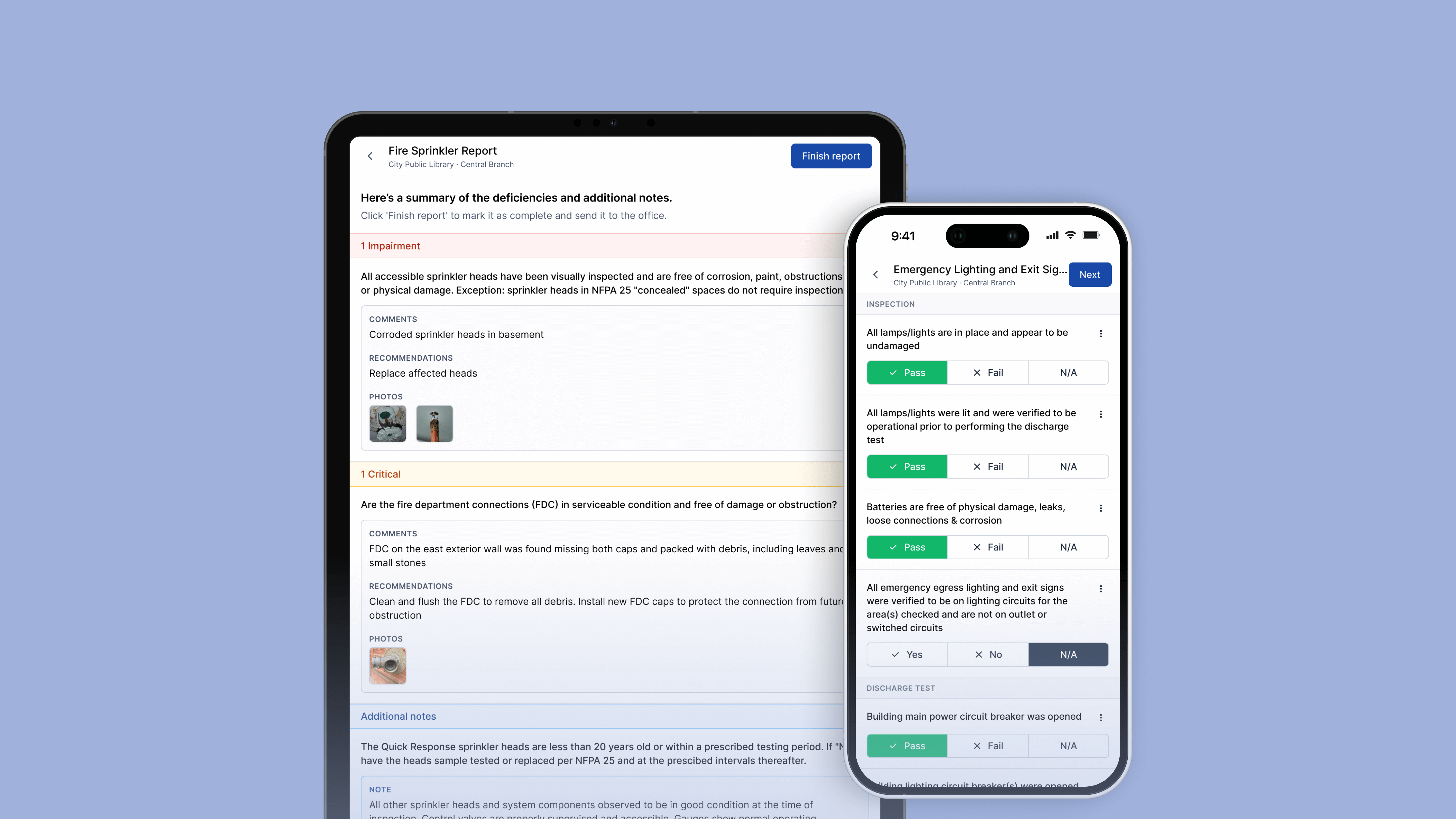
Works On the Devices Your Team Already Uses
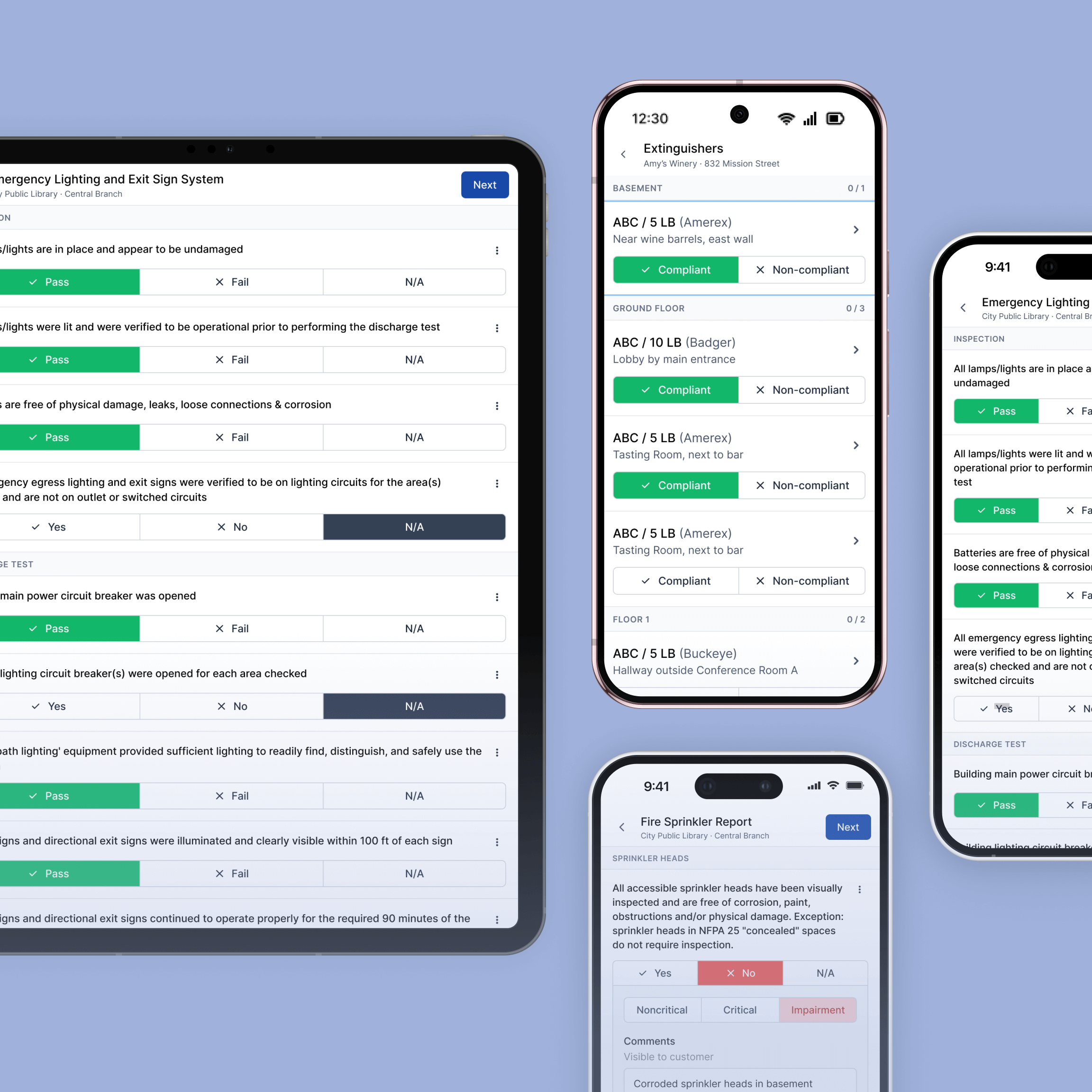
No new hardware required. Ember works on the phones and tablets your techs already have, with the same experience across all of them.
- The same forms, schedules, and job details appear on every device so techs always have what they need regardless of what they're working from
- Techs log in and see the same forms, schedules, and job details regardless of device
- No IT setup or device management required to get the team up and running

Keeps Working When the Signal Drops
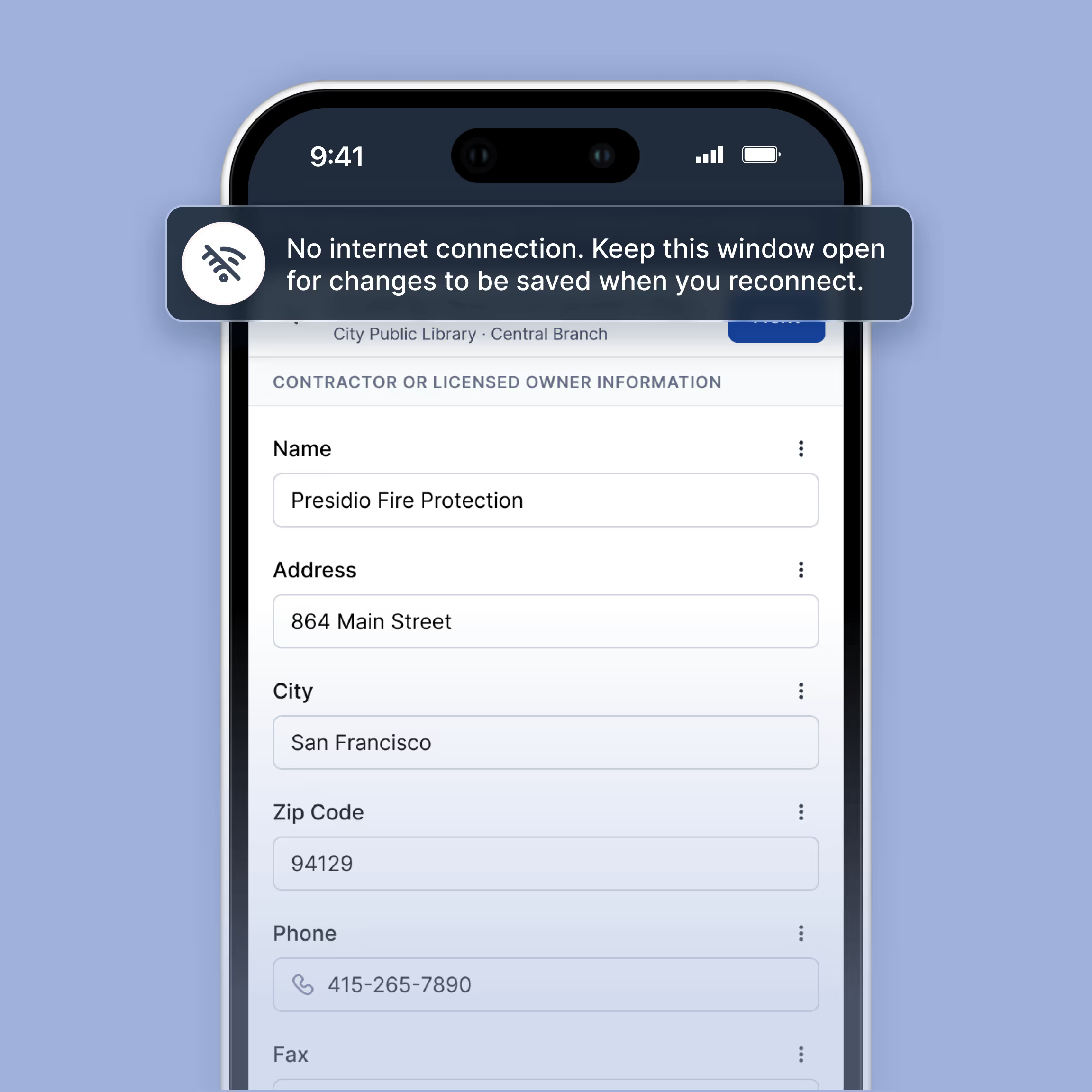
Fire inspections happen in basements, stairwells, and remote sites where cell service is unreliable. Once an appointment is started, Ember keeps working regardless of signal strength.
- Once an appointment is started, techs can complete the full inspection without an active connection
- Job details, inspection forms, and building notes remain accessible if signal is lost mid-job
- Work completed without signal syncs back to the office automatically once connectivity is restored
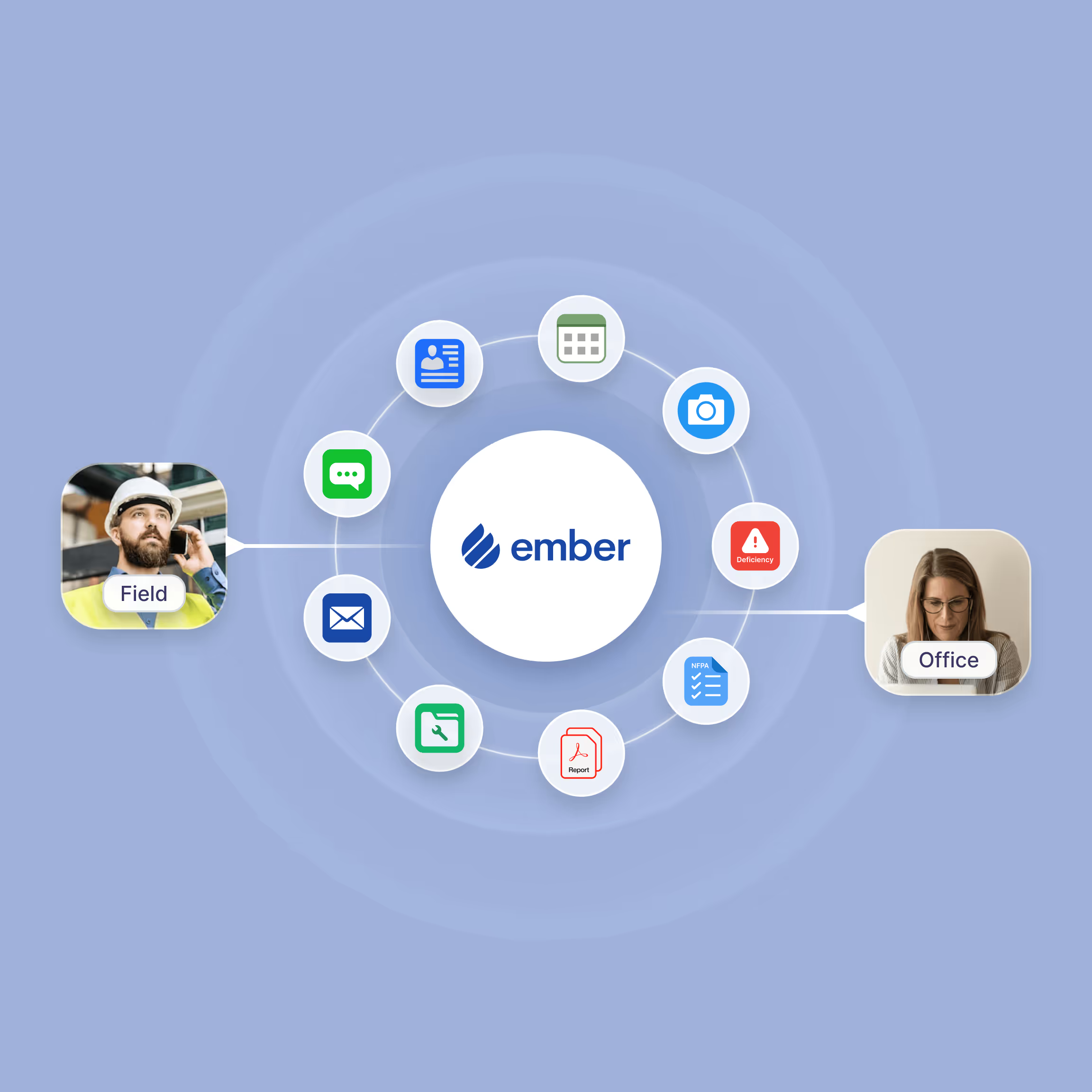
Synced With the Office the Moment a Report is Done
When a tech completes a report in the field, the office knows. No chasing down techs, no waiting on paperwork, no end-of-day catch-up calls.
- When a tech wraps up a report it moves to Ready for Review status automatically
- The office receives an in-app notification and one click takes them straight to the report
- Contact details, access codes, and job notes updated by the office sync to the tech's device automatically
- Notifications can be customized so each office user only receives what is relevant to their role
Everything Your Team Needs to Stay Connected in the Field

Works on Any Device
Any phone or tablet your techs already carry.

Offline Capable
Complete full inspections even without a cell signal.

Auto-Sync
Work completed offline syncs to the office automatically when signal is restored.

Report Notifications
The office is notified when a report is ready to review.

Real-Time Updates
Job details, access codes, and schedule changes sync to the tech's device automatically.

One-Click Access
One click from a notification takes the office straight to the report or job.
Frequently Asked Questions
What devices does Ember work on?
Any phone, tablet, or laptop. Your techs log in and get the same experience no matter what device they're using.
Does Ember work without a cell signal?
Yes. If a tech loses signal mid-job, they keep working. Updates save locally and sync to the office automatically once they're back online.
How does the office know when a report is ready to review?
When a tech completes a report, it moves to "Ready for Review" status. The office receives an in-app notification and can open the report directly from there.
Can the office update job information that techs see in real time?
Yes. Contact details, access codes, and job notes updated by the office sync to the tech's device automatically. No phone calls required.
Ready to simplify your fire inspection workflow?
Get a Free Demo


