
Job Management for the Field
Ember gives fire protection technicians instant access to every job detail from their mobile device.
Get a Free Demo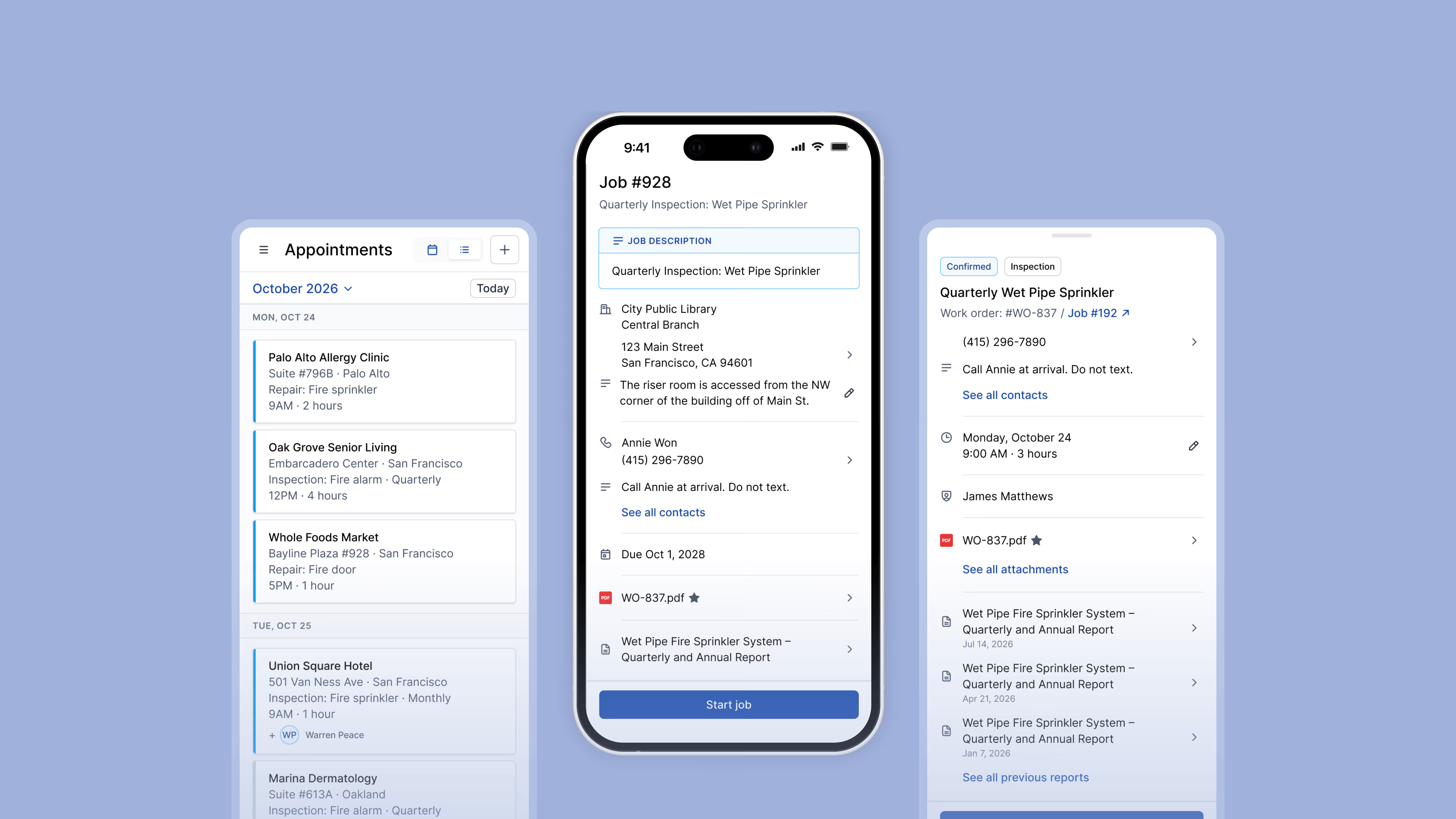
Complete Customer and Job Data, Pulled Up Before Arrival
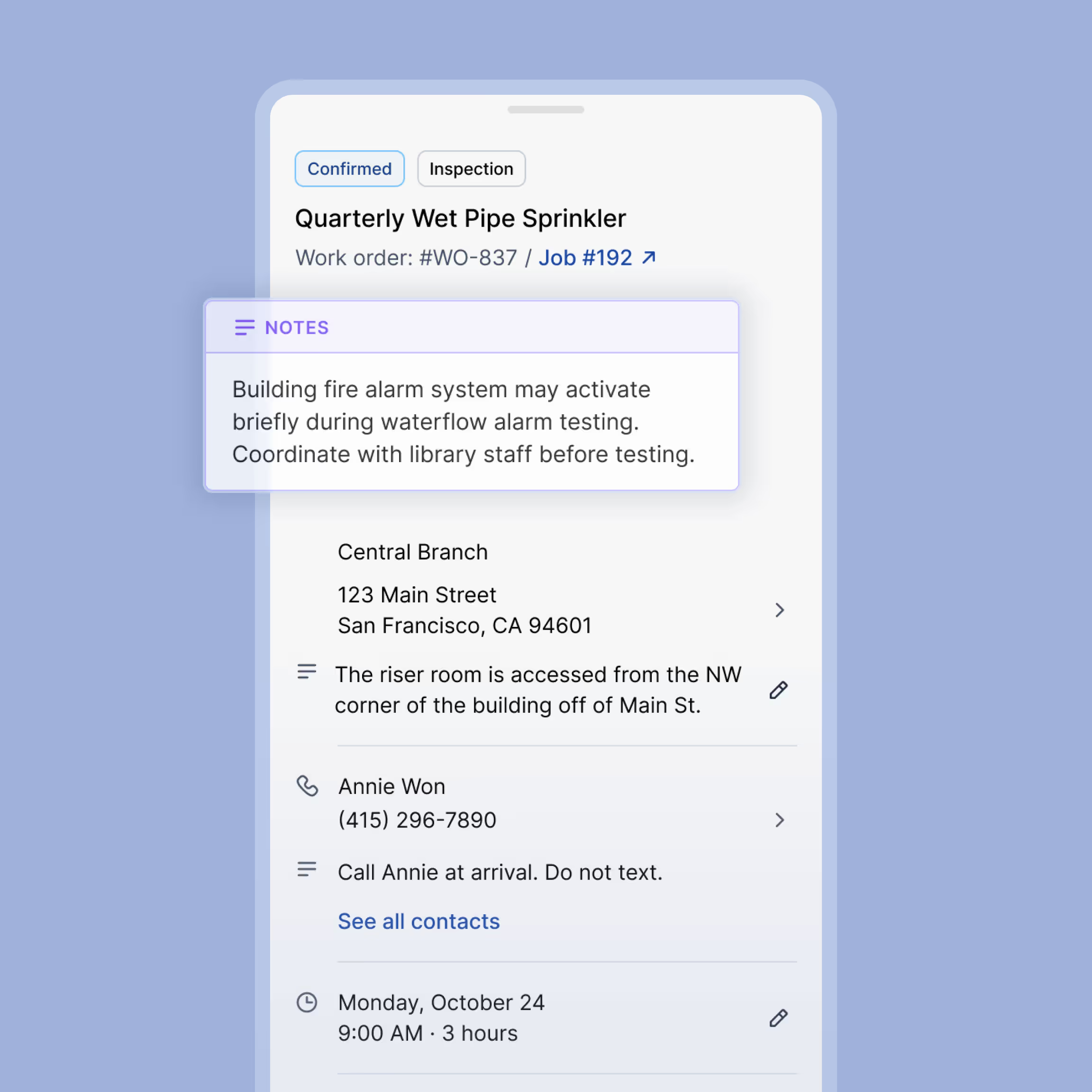
Every job is populated with the full context a technician needs before they've even stepped out of the truck. No calls to the office, no emails to dig through, no paper to track down
- The customer's name, site address, and contact phone number are all attached to every job
- Lockbox codes, gate codes, and access credentials are stored securely right in the job record
- Technician notes from prior visits are visible alongside the current job details, so nothing gets missed

Organized Inspection Schedules
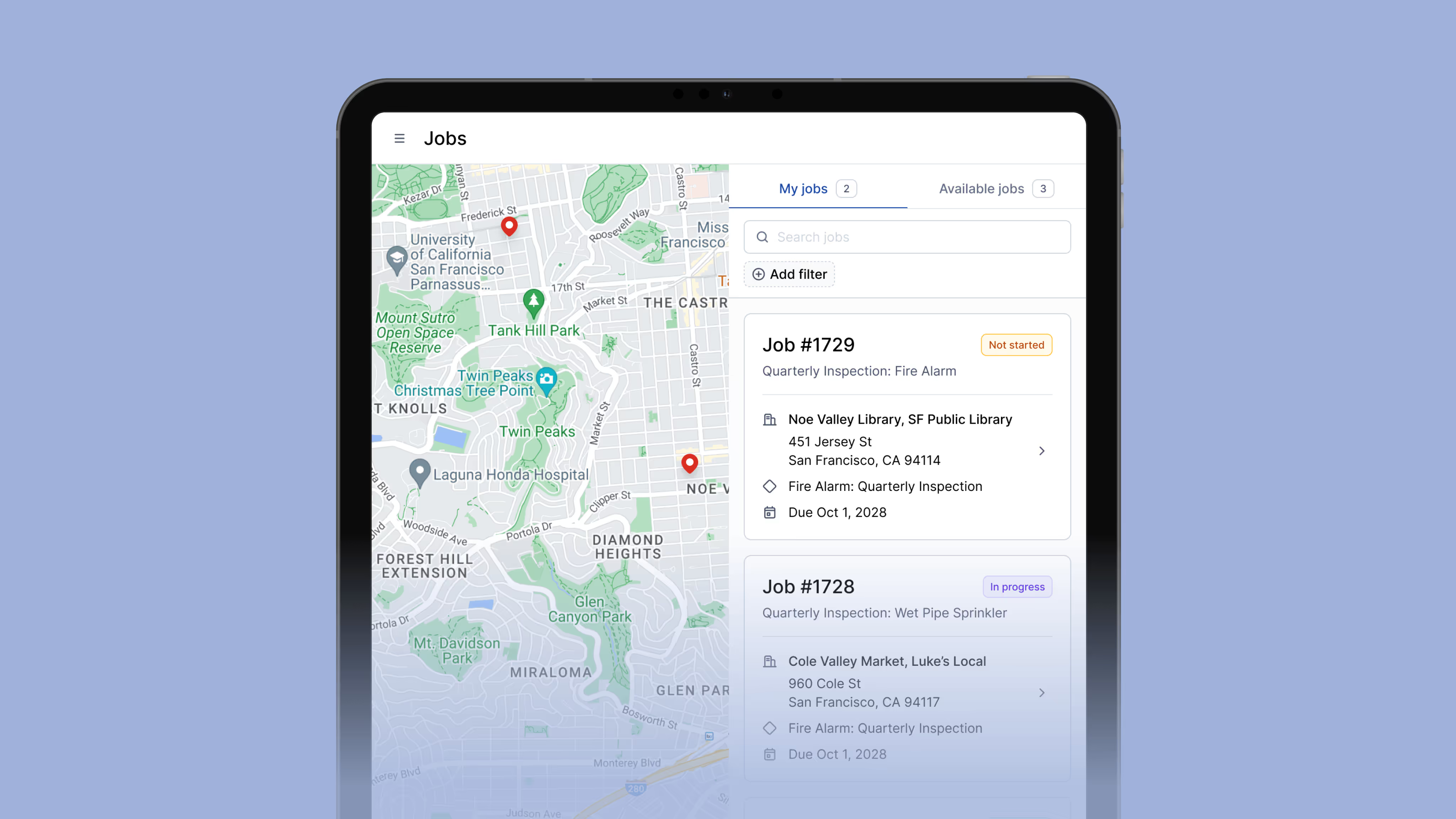
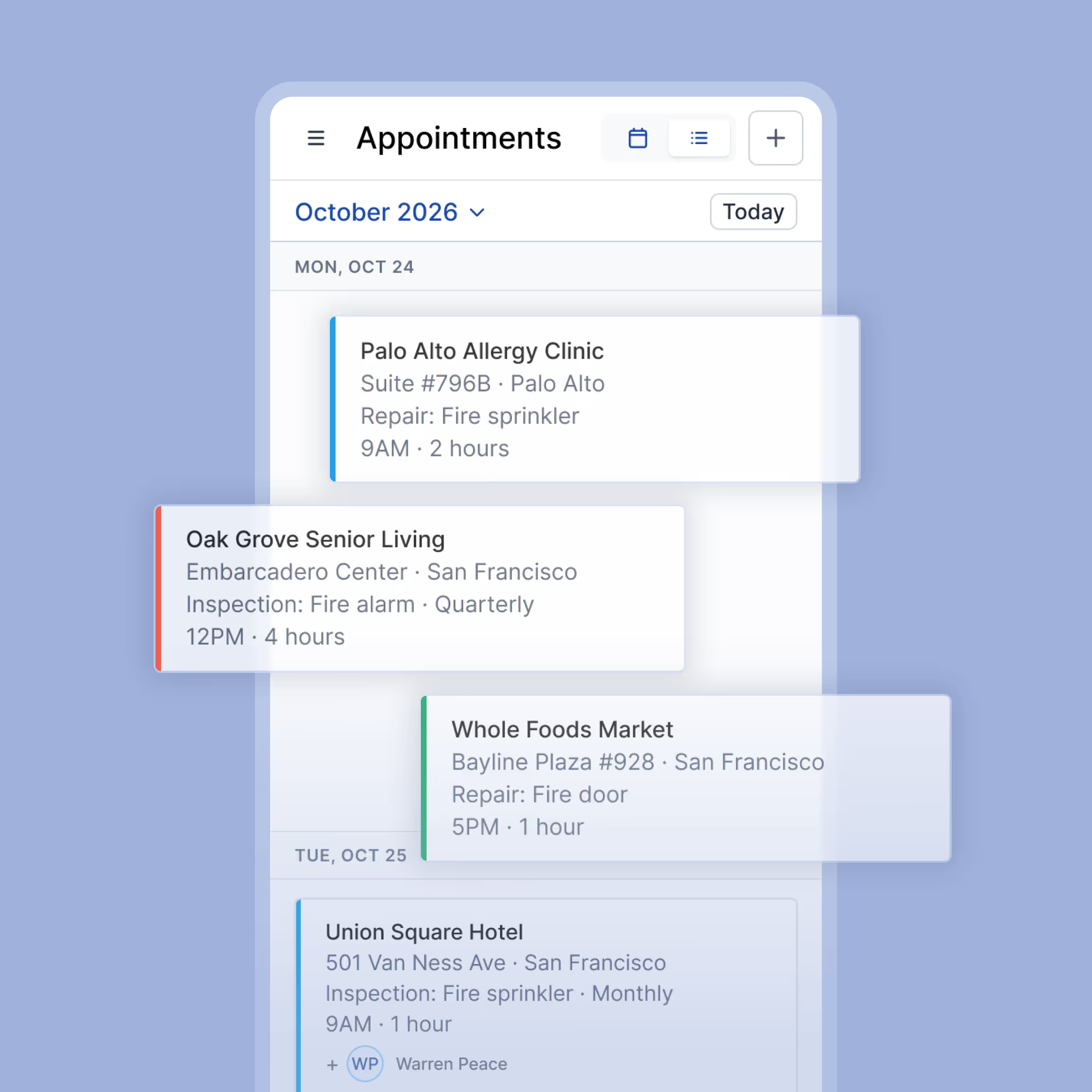
Ember keeps every technician's inspection schedule current and easy to navigate. Technicians always know which jobs are coming up, which are active, and which ones need immediate attention.
- Day and week views show all of the assigned jobs with their times and locations
- Overdue and upcoming inspections are flagged so they're easy to spot at a glance
- Inspection frequency is tied to each account, so annual, semi-annual, and quarterly schedules are tracked automatically
- Rescheduled or reassigned jobs update across the whole team as soon as changes are made
Works Where Cell Signal Doesn't
Fire inspections happen in basements, parking structures, and remote locations where cell signal is unreliable or nonexistent. Ember keeps working even when connectivity drops.
- Once an appointment is started, techs can complete the full inspection without an active connection
- Job details, inspection forms, pre-fill data, and building notes remain accessible if signal is lost mid-job
- Work completed without signal syncs back automatically once connectivity is restored
- Techs stay productive regardless of signal strength without having to call the office
Built for fire contractors. Not generic field service apps.



Everything a Technician Needs at the Job Site

Customer Contact Details
Primary contact name, phone number, and email stored and searchable for every job.

Lockbox & Access Codes
Gate codes, key fob instructions, lockbox combinations, and entry sequences attached to each site.

Inspection History
Prior visit dates, technician notes, pass/fail outcomes, and deficiency records by asset.

Inspection Schedules
Annual, semi-annual, and quarterly frequencies tracked per account with overdue alerts.

Building & Floor Instructions
Zone designations, floor assignments, dock locations, and on-site access notes per job.

Offline Access
Job details, inspection forms, and prior reports stay accessible even when cell signal drops.
Frequently Asked Questions
What job details does Ember store for each inspection site?
Each job record in Ember stores the customer's contact name and phone number, the site address and building access instructions, lockbox or gate codes, floor and zone designations, technician notes from prior visits, and the full inspection history for that account including dates, outcomes, deficiencies, and technician attribution. All of it is available on the technician's mobile device before they arrive on site.
Can technicians access job information without a cell signal?
Yes. Once an appointment is started, job details, inspection forms, pre-fill data, and building notes all remain accessible if the signal is lost mid-job. Any work completed without a connection syncs back automatically once the technician is back online.
How does Ember handle inspection scheduling for fire protection accounts?
Ember tracks inspection frequency at the account level. Annual, semi-annual, and quarterly schedules are configured per customer so nothing falls through the cracks between inspection cycles. Upcoming and overdue inspections are flagged for both technicians and office staff.
Can office staff update job information that technicians see in real time?
Yes. Changes made by office staff including updated contact details, revised schedules, new access codes, or added site notes sync to the technician's device as soon as they come online. This eliminates the need for phone calls to relay last-minute job changes and keeps the entire team working from the same information.
Your Technicians Arrive Prepared. Every Job, Every Time.
Schedule a free demo to see how Ember equips fire protection technicians with everything they need before they arrive on site.
Get a Free Demo


