What to Look for in Mobile Fire Inspection Software
Mobile Fire Inspection Software: A Field Tech's Buying Guide
What to Look for in Mobile Fire Inspection Software
Key Takeaways
- Before committing to any mobile fire inspection software, confirm that techs can complete full inspections, including forms, deficiency notes, and photos, without a cell connection, because not all offline modes deliver the same capability.
- Mobile fire inspection software should arrive with NFPA 25, NFPA 72, and system-specific forms already built out.
- The job information a tech needs on-site, including lockbox codes, site access details, contact information, and prior inspection history, should live on their mobile device and be accessible without a signal.
- Software built specifically for fire protection organizes work around system type, inspection frequency, and deficiency status, while generic field service tools rarely reflect how fire protection work actually runs.
- Whatever techs capture in the field should reach the office automatically, because mobile software that creates a manual data-transfer step for your back office shifts the administrative burden rather than eliminating it.
When a tech pulls up to a job site without the gate code, loses form data halfway through a basement inspection because cell service dropped, or spends twenty minutes after the job reconstructing notes from memory, the issue usually isn't the technician. It's their fire inspection software.
Choosing the right mobile fire inspection software means knowing what to look for before you're locked into a platform that creates more work than it eliminates.
5 Features to Look for in the Best Mobile Fire Inspection Software
As you look for software you can trust to keep your fire inspections efficient and accurate, review the following top four features to look for in mobile fire inspection software:
1. NFPA-Compliant Digital Inspection Forms
Fire safety inspection software should arrive with digital inspection forms already built around NFPA 25, NFPA 72, and related standards, covering fire alarm, sprinkler, extinguisher, kitchen suppression, backflow, fire pump, and other system types your crew inspects.
When evaluating any platform, look for three things specifically:
- Prefilled data: Customer name, asset records, and prior inspection history should load into the form automatically before the tech arrives, so they're working from context rather than starting cold.
- Required fields: Look for software that prevents closure when information is missing to keep documentation complete at the source. If the software lets a tech submit an incomplete inspection, the compliance gap moves downstream.
- Inspection type coverage: Every system type your crew inspects should come standard in the platform. A product that handles fire alarm and extinguisher forms, but requires your team to build out sprinkler, kitchen suppression, or backflow forms from scratch, only partially solves the problem.
2. Offline Mode That Holds Up in the Field
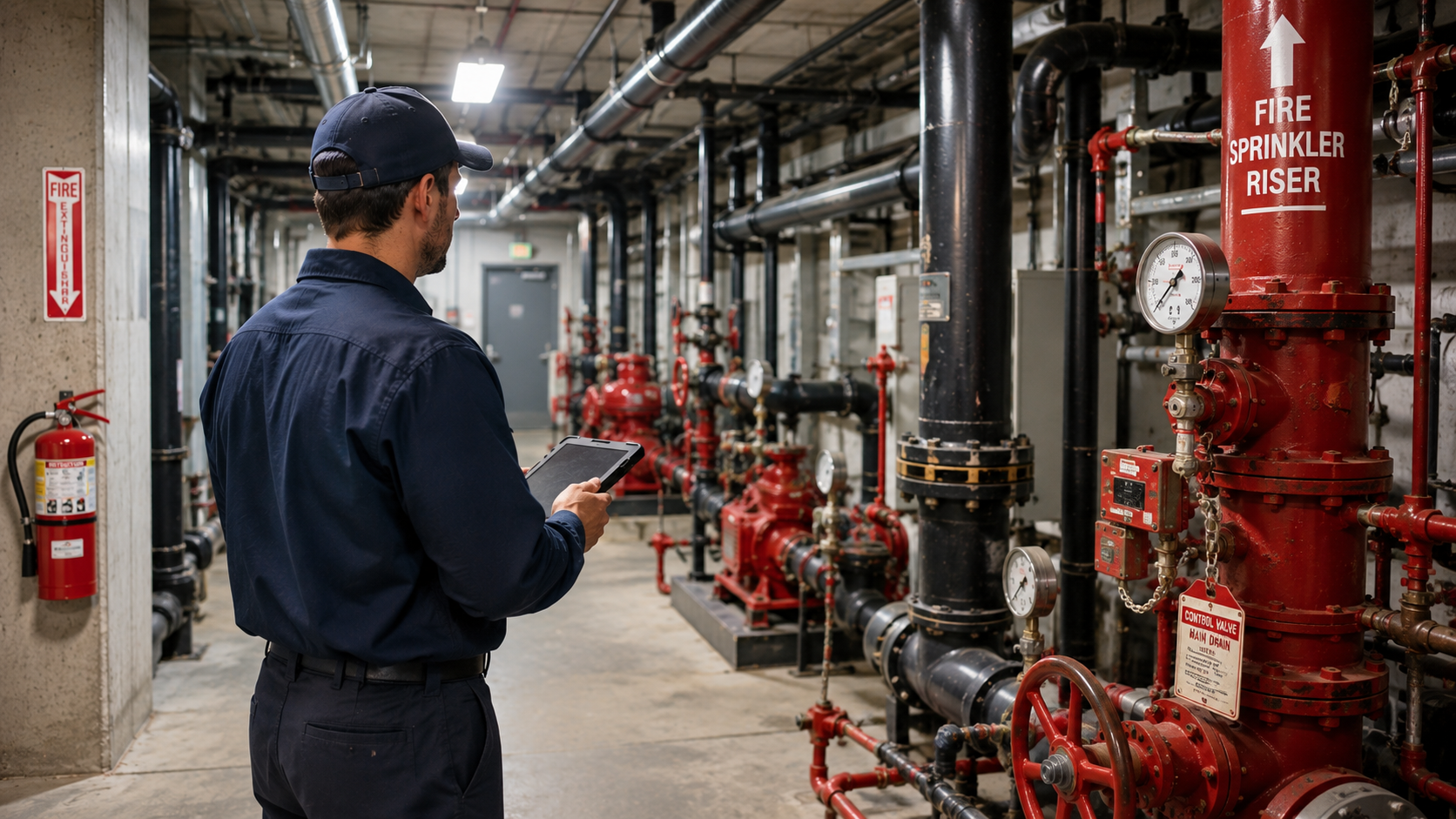
Often, inspections are performed in mechanical rooms, basement stairwells, parking structures, and elevator shafts. Consistent cell coverage in those environments isn't something you can count on. When evaluating offline capability, the question worth pressing vendors on is what the app can actually do without a connection, not simply whether offline mode exists.
Viewing saved data offline isn't enough. The best fire inspection software lets technicians complete the entire inspection, including forms, deficiency notes, and photos, even without an internet connection. All data should automatically sync once connectivity is restored.
If the app stalls mid-job or pushes your tech toward a paper workaround, you're back to re-entering data at the office. Look for software that treats offline access as a core function.
3. Complete Job Information on Every Mobile Device
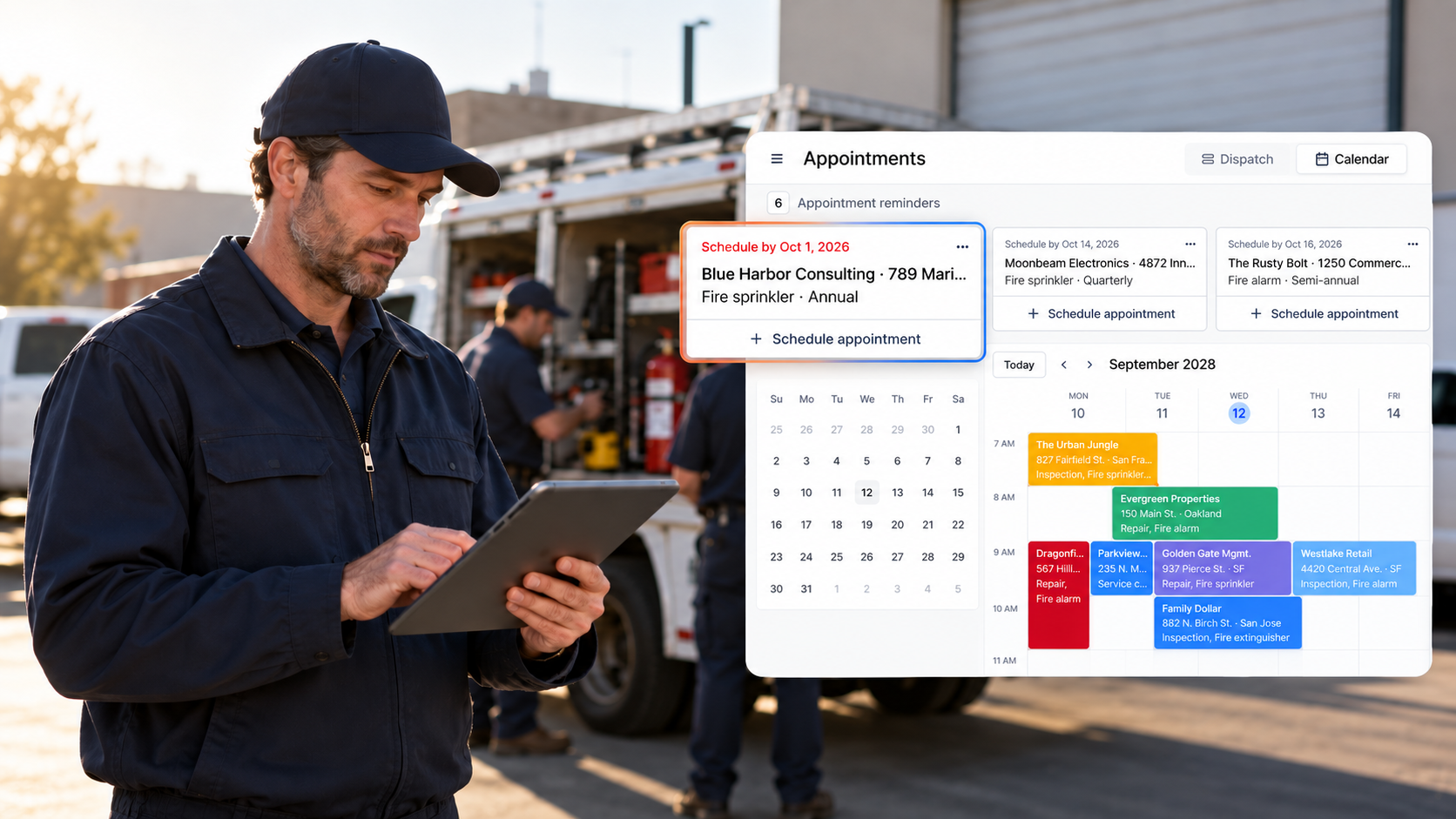
A mobile inspection app that only handles forms is solving half the problem. By the time a tech pulls up to a job site, their device should already function as a complete job information hub. Look for software that puts the following on the tech's device before they step out of the truck:
- Site access details: Lockbox codes, gate codes, key fob instructions, and entry sequences stored in the job record.
- Contact information: The primary contact name, phone number, and any relevant on-site instructions.
- Building notes: Floor assignments, zone designations, dock locations, and access notes specific to that property.
- Inspection history: Prior visit dates, pass/fail outcomes, technician notes, and open deficiency records by asset.
4. Software Built for Fire Protection Processes
Generic field service tools organize work around general job types and work order templates. When adapted for fire inspection, the form architecture doesn't always reflect how fire protection work is actually organized.
System type, inspection frequency, specific assets, and deficiency status all shape how a fire inspection runs. A tech running a fire pump inspection or a kitchen suppression walkthrough shouldn't have to navigate a tool that wasn't built with those processes in mind.
When evaluating your options, consider whether the app guides your techs through the correct inspection steps for each job type or simply provides a generic template and leaves them to figure out the rest. Fire protection is a code-driven trade with inspection requirements that vary by system, frequency, and jurisdiction. Your mobile software should reflect that reality rather than require your team to work around what it doesn't know.
5. Field Data That Reaches the Office Automatically
Whatever your techs capture on-site (e.g., deficiency records, photos, completed forms, and job notes) should reach your office automatically when the job closes. If someone in the office still has to chase down field data, rekey it, or piece together what happened on a job, the mobile app is only doing half the work.
When you're evaluating vendors, ask specifically how field data transfers to the office. Specifically, deficiency data should populate proposals automatically, completed inspections should generate reports without anyone rebuilding them, and job information should reach the office the moment a tech closes out.
The mobile app is where the data originates. How cleanly it travels from there determines how much administrative time your operation actually saves.
Frequently Asked Questions
What should mobile fire inspection software include?
At minimum, mobile fire inspection software should offer NFPA-compliant digital forms prefilled with customer and asset data, true offline functionality, complete job information on the device, and automatic data sync when the job closes.
Purpose-built fire inspection software also covers multiple inspection types, including fire alarm, sprinkler, extinguisher, kitchen suppression, backflow, and fire pump, with required fields, photo capture, and deficiency documentation included.
Does mobile fire inspection software work without cell service?
It should, but confirm what offline mode actually covers before you commit. Some apps let you view existing data without a connection, but can't complete new inspections.
Look for software where techs can run a full inspection offline, forms, deficiency notes, and photos included, with automatic sync once they're back in range.
Can mobile fire inspection software handle NFPA 25 and NFPA 72 forms?
Purpose-built fire inspection software includes NFPA 25 and NFPA 72 forms out of the box, alongside forms for every other inspection type your team runs. Generic field service platforms may offer customizable templates, but building and maintaining compliant forms falls on your team.
What's the difference between fire-specific and generic field service software?
Fire-specific software is built around how fire protection companies operate. Generic software is adapted afterward. The difference shows up in NFPA-compliant forms, deficiency tracking tied to specific assets and systems, and inspection scheduling tied to NFPA frequency requirements — none of which generic tools deliver without significant configuration.
What job information should be available on a technician's mobile device?
Before arriving on-site, a tech should have the customer's contact information, lockbox and gate codes, access credentials, building and floor notes, and the full inspection history for that location. This inspection history should include prior visit notes, pass/fail outcomes, and open deficiencies, with all of this information available offline.
Is fire inspection software available for iPads and tablets?
Yes. Most purpose-built fire inspection software for tablets and iPads works across devices, phone, tablet, or both, with a responsive interface that adapts to screen size. Fire inspection software for iPad is a common choice for techs who prefer a larger screen. Device compatibility matters, but fire-specific workflows and full offline functionality are the more consequential criteria.
From First Arrival to Final Report, See How Ember Works in the Field
Ember’s fire protection software is built specifically for fire protection contractors, with prefilled NFPA forms for every system type your team inspects and true offline access that holds up in any location. With our software, complete job information is loaded onto every mobile device before the tech arrives, and field data automatically flows back to your office when the job is done.
Learn more about our software’s mobile access features today. To see how it works across a full inspection cycle, schedule a free demo.
News & Resources
Ready to simplify your fire inspection workflow?
Get a Free Demo